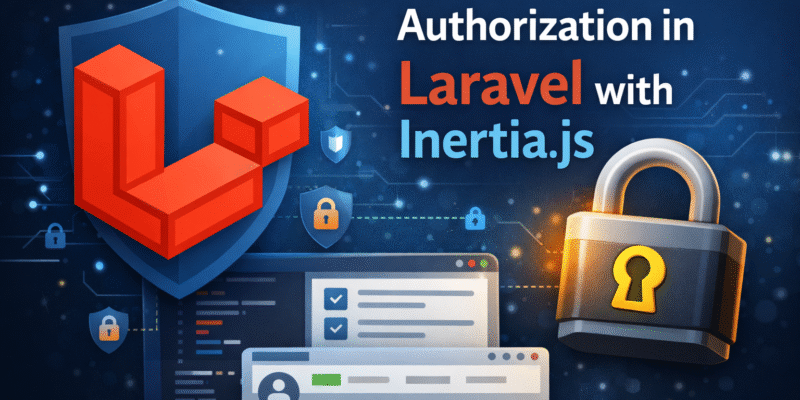
Authorization is one of the most misunderstood parts of Laravel + Inertia.js applications. In this article we will cover how you can apply policies and gates properly in laravel inertia.
When dealing with permissions in frontend apps like Vue or React, some of us may do this:
- Hide buttons in Vue/React and assume the app is secure ❌
- Duplicate permission logic in JavaScript ❌
- Avoid policies entirely and use
ifchecks everywhere ❌
Although this may prevent unintended access to some kind of feature from frontend only, the backend still accessible to anyone. So the proper solution is to prevent this from backend by using laravel authorization features like Polices and Gates.
What Are Policies?
Policies are class-based authorization rules tied to a model.
They answer questions like:
- Can this user update this post?
- Can this user delete this user?
- Can this user delete this user?
Example Questions Policies Solve:
Can User A update User B?
Can User A delete Post #42?
Can User A view orders belonging to User B?
What Are Gates?
Gates are simple, closure-based authorization rules.
They are best suited for:
- Feature access
- Non-model actions
- Application-level permissions
Inertia does not replace Laravel’s authorization system — it simply makes it easier to consume.
Creating a Policy
Using Laravel packages like spatie/laravel-permission
In large projects usually you will use permissions and roles package, these packages built on top of laravel policies and gates and provides:
-
Roles (
admin,editor,customer) -
Permissions (
edit users,delete posts) -
Database-backed authorization
These packages provides other methods to check for user access like, hasRole(), hasPermission(), etc.